


FirstVR Firmware Updates Made Easy on Mac! Announcing the Release of “FirstVR Updater v1.11”
Thank you for using FirstVR.
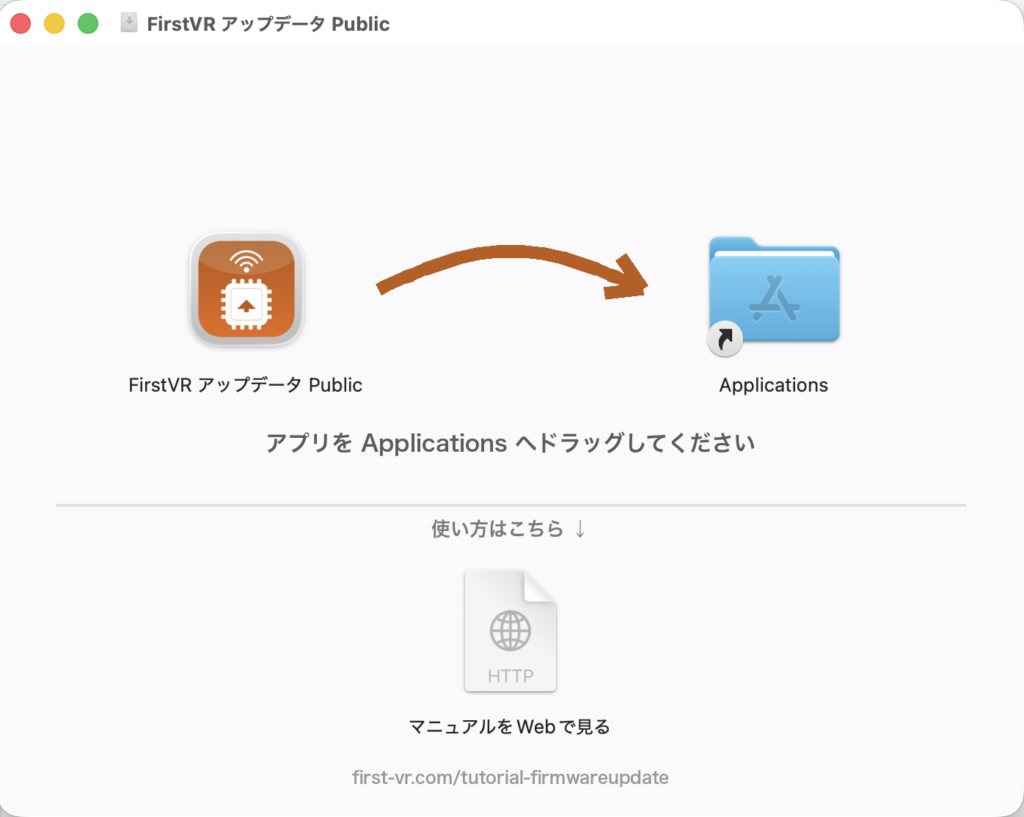
In response to requests from our users, we have released “FirstVR Updater v1.11,” a dedicated Mac app that makes it easy to update the firmware of FirstVR (H2L-01-S100). You can download it from this page and start using it right away.
Highlights
– Updating takes just three steps: select the firmware from the pull-down menu → scan → write
– No development environment setup (such as Docker) is required
– Ten firmware versions are available: fixed-rate versions (10–250 fps) and a rate-switchable version. If you are unsure which to choose, we recommend the 30 fps version
– The built-in data monitor and command features (vibration test, fps change, and power-off) let you verify that your device works properly after writing the firmware — all within a single app
Main Firmware Improvements
– Fixed an issue where FirstVR would keep blinking and stop responding after the connected software was closed, as well as an issue with the transmission format of muscle deformation data
– Added new features, including data acquisition while charging, firmware writing, and a power-off command
For other improvements and detailed instructions, please refer to the user manual.
▶ Download FirstVR Updater Public
If you have any questions about how to use the app, please feel free to contact us at info@h2l.jp.
Thank you for your continued support of FirstVR.